Tap to drop the pin where the spa should go. Drag the blue handle until the outline sits on the yard the way the spa should — up and down for depth, in and out for how much it narrows going away from you. This costs one render.
AI-generated concept image for visualization only. Not a design, quote, or engineering plan. Final pool subject to site conditions, setbacks, and local code.
My renders
Every pool you’ve generated, saved to your account.
No renders yet — go build one.
Log in to render
Log in or create a free account to generate your pool render.
Buy extra renders
Added to your account as soon as payment completes. Extra renders never expire and carry over month to month.
Before
After
Put PoolCast on your home screen for one-tap access.
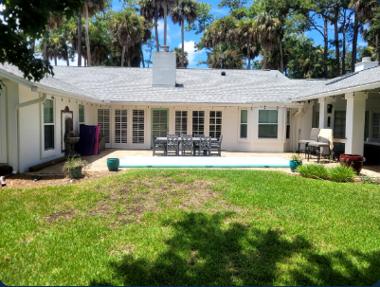
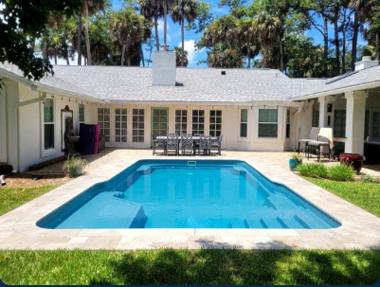

 “Snap it, show it, sell it.”